Goodnotes works when it's embedded — not just installed.
Everything you need is on this page. Find your starting point below — whether you're setting up devices, planning your first unit, or leading a whole-school rollout.
Book a conversation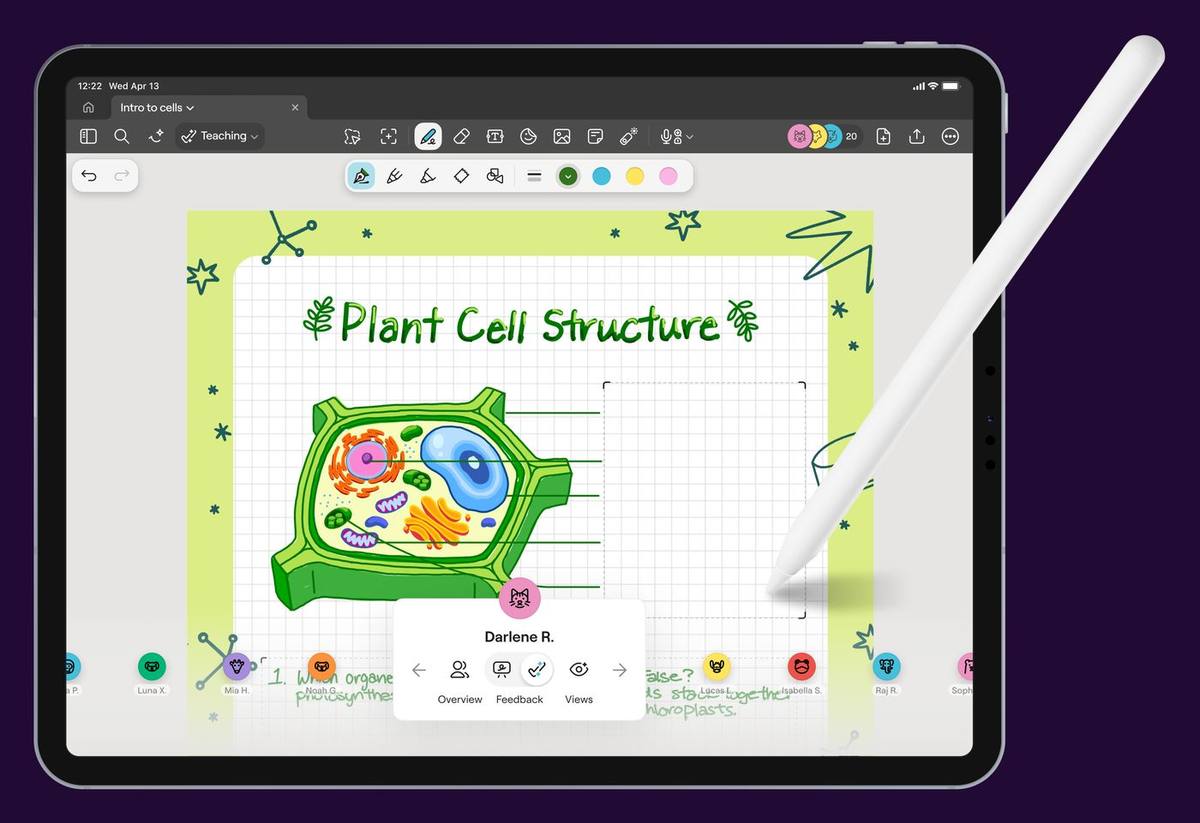
Get set up
Five set-ups, five audiences. Do them in this order and nothing gets missed.
Your students
Class folders, QR-code joining, and getting a class in within one lesson.
Student guide →Your parents
Answering the screen-time question — why handwriting on iPad is active learning.
Ask me for the parent letter →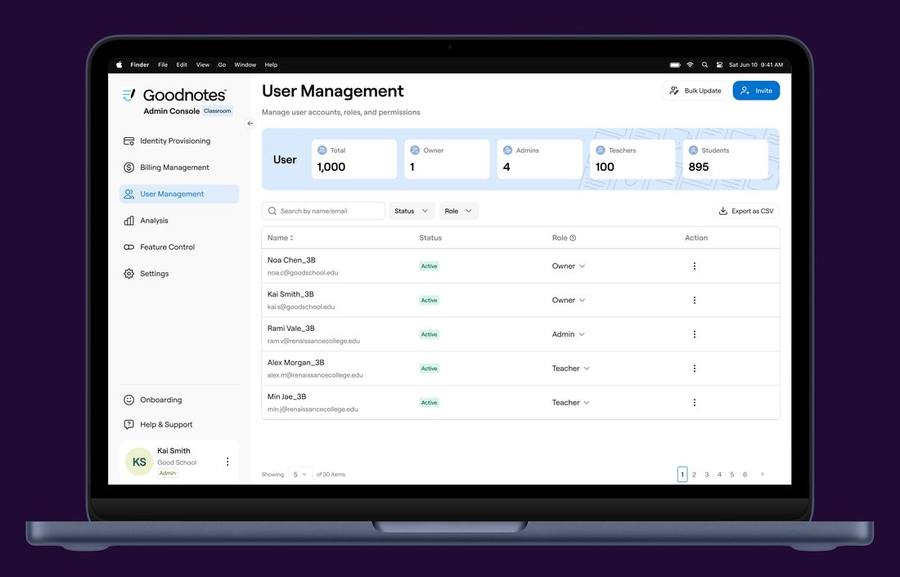
Keep the app updated
Goodnotes ships updates weekly, and smaller ones don't install automatically. Build a habit: open the App Store, tap update, once a week. Most "it's not working" moments are just an old version.
Learn the tool
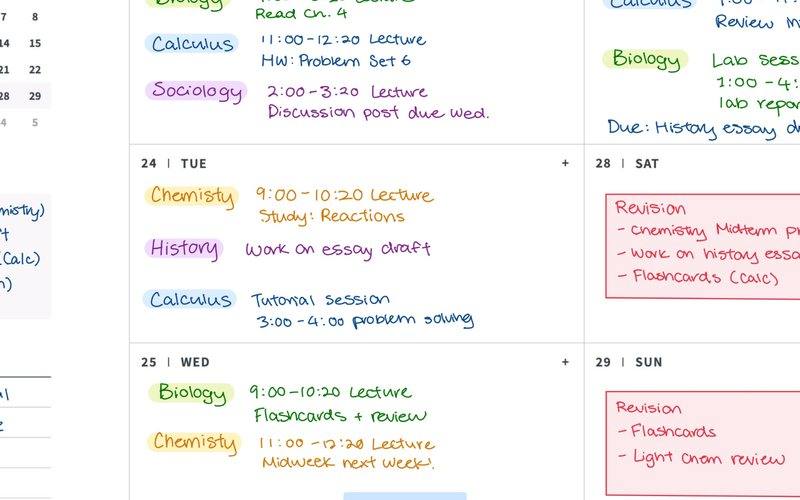
Four short videos take you from first open to teaching live. All of them — plus activity cards and quick-start PDFs — live on the resource board.
From installed to embedded
An app on a device changes nothing. Embedding it in strategy, pedagogy and workflow changes everything. The NDTE cycle is how we get there. I wrote about the difference here →
Your first six steps towards confidence
Notice one moment in your week where paper or workflow slows learning down.Notice
Pick one existing unit — don't build anything new yet.Notice
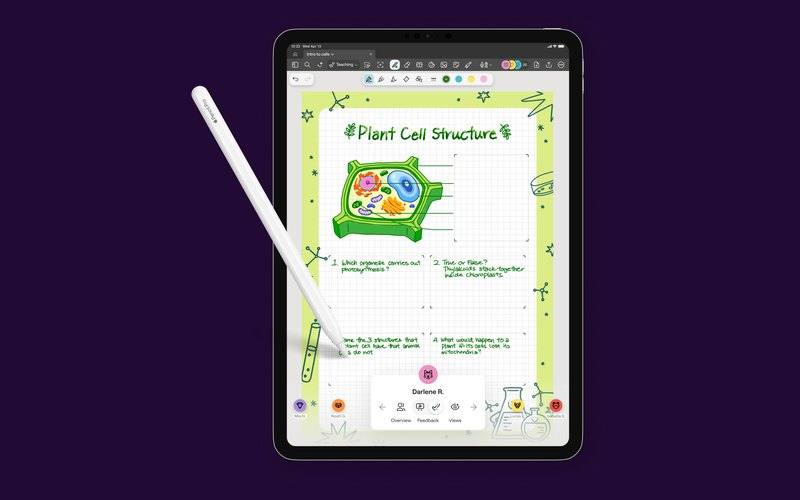
Design one activity in that unit for Goodnotes: one page, one answer zone.Design
Try it with one class. Watch what students do, not what the app does.Try
Keep what worked, drop what didn't, and run it again next week.Try
Make it routine — the same touchpoint, every week, until it's just how you teach.Embed
Playful learning — download these
Low-stakes, high-engagement starters. Drop them into a class folder and go.
First-week icebreakers
- About-me page
- Birthday board
- Tool explorer challenge cards
Thinking routines
- See, Think, Wonder template
- Sketch-noting starter pages
- Retrieval grids
Subject sparks
- SDG discussion pack
- Future of learning pack
- Revision layouts
Teacher workflow — start here
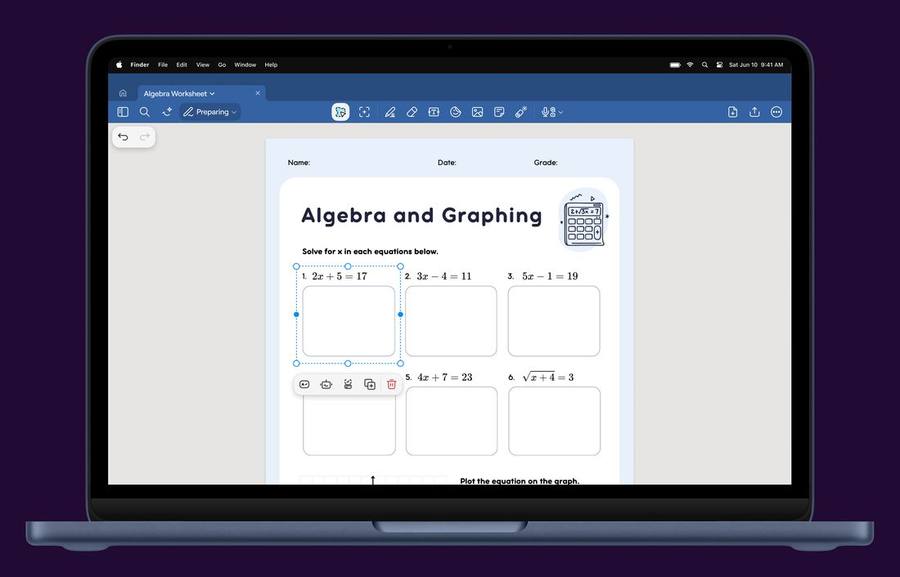
One simple rhythm that fits what you already do: prepare, teach, feed back. Goodnotes slots into each stage — it doesn't replace your core tools.
Prepare
- Build in your private space first
- Add one answer zone with the question written in
- Move it to the class folder when you're ready
Teach
- Use Follow Me to guide the pace
- View by question to see every learner live
- Hide and show what students see
Feed back
- Write directly onto individual student layers
- Pick a model answer, let clustering group the rest
- You stay in the loop — always
Students — be inspired, start here
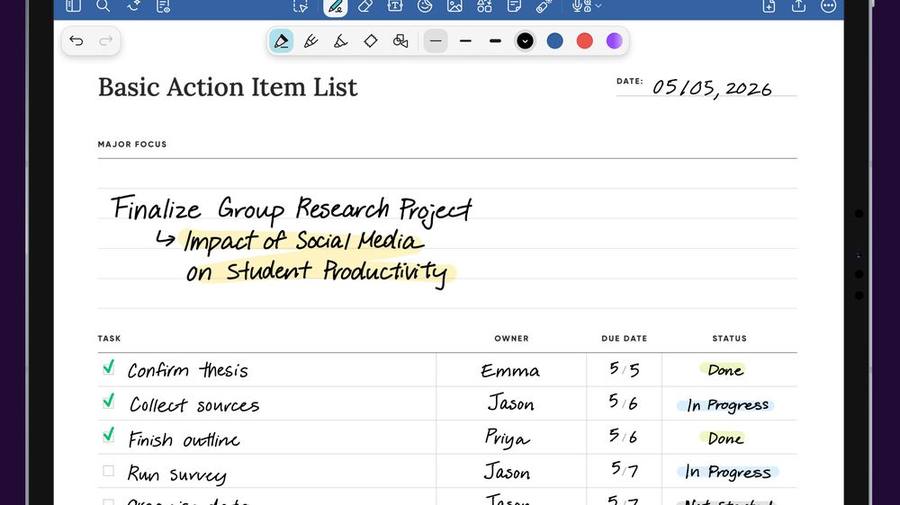
Handwriting isn't old-fashioned. It's how thinking becomes visible. Start with these.
Make your notes yours
- Sketch-note one lesson this week
- Build a revision notebook that looks like you
Show your thinking
- Annotate, don't just highlight
- Use layers to plan, draft, improve
Own your learning
- Keep everything in one place, synced
- Your notebooks travel with you — school to home
Questions I get asked most
The honest answers. If yours isn't here, email me and I'll answer it properly.
Is the training actually free?
We're a trust with a lot of schools. Do we need a separate admin console for each one?
Do we need iPads? What about Chromebooks and Windows?
We're a Google school. Does that matter?
How long until staff are actually using it — not just logged in?
What about pupils with SEND, dyslexia, or slow processing?
What happens after the free session — do you then try to sell me something?
Who are you, exactly?
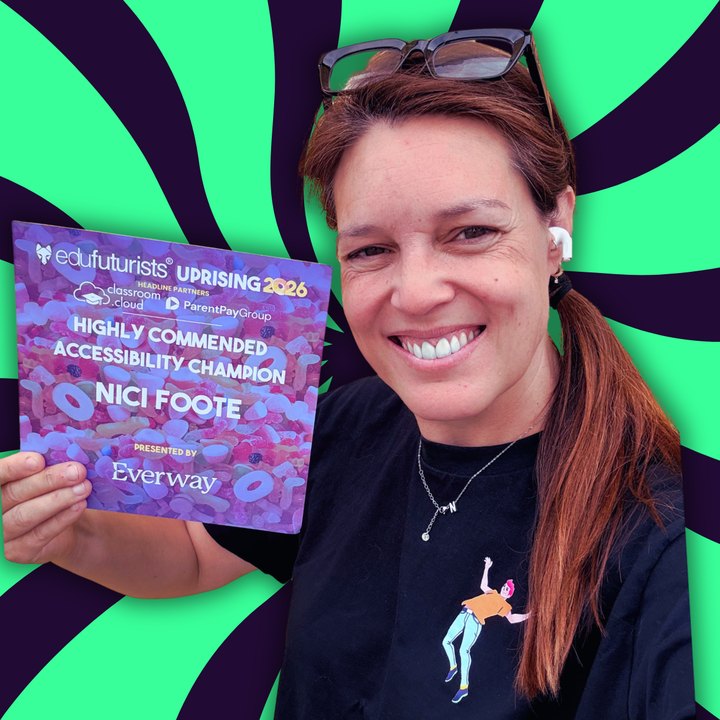
Who's actually turning up
Nici Foote
26 years in classrooms before this — SEND specialist, international and UK state. I've been the person at the back of the room being told a new tool will fix everything, so I don't open with features.
I'm dyslexic, ADHD and dyscalculic. That isn't a disclosure at the bottom of an email — it's why I notice what I notice when I watch a lesson.

- Google Innovator
- Certified Goodnotes trainer
- Highly Commended, Accessibility Champion · Edufuturists Uprising 2026
Not sure where to start?
Tell me where your school is with Goodnotes — even in two lines — and I'll point you at the right first step. No pitch, no pressure, no cost.
Training is funded by Goodnotes, so there's nothing to pay and nothing to sign. I take a limited number of these each term.